Say Hello to "Active Decks"
If you're anything like me, you've probably experienced this incredibly frustrating loop while working on your next deck:
- You're poking around, looking for new cards, or cards related to cards you have.
- You spot a card that would go great into your "Exile Matters" deck or "Counters deck".
- You add it to clipboard, or wishlist.
- You forget which deck you wanted it on.
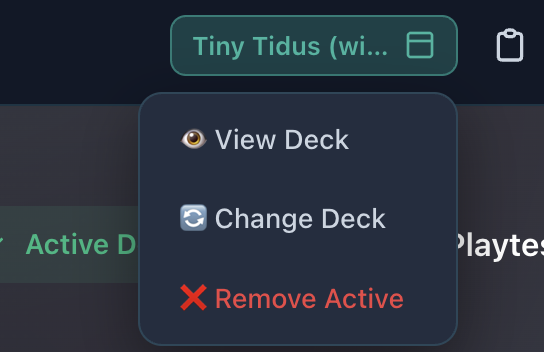
Discovering cool cards and actually building a deck shouldn't feel like two completely separate steps, so now you can mark a deck as "active".

Once a deck is marked as active, as you browse the site, you can tap the + button and add the card to the "Considering" section of your deck.

This way, when you're in the Deck Editor, you can quickly move cards from considering to main or sideboard.
Hopefully you'll find this feature useful!