Life Tracker Integration
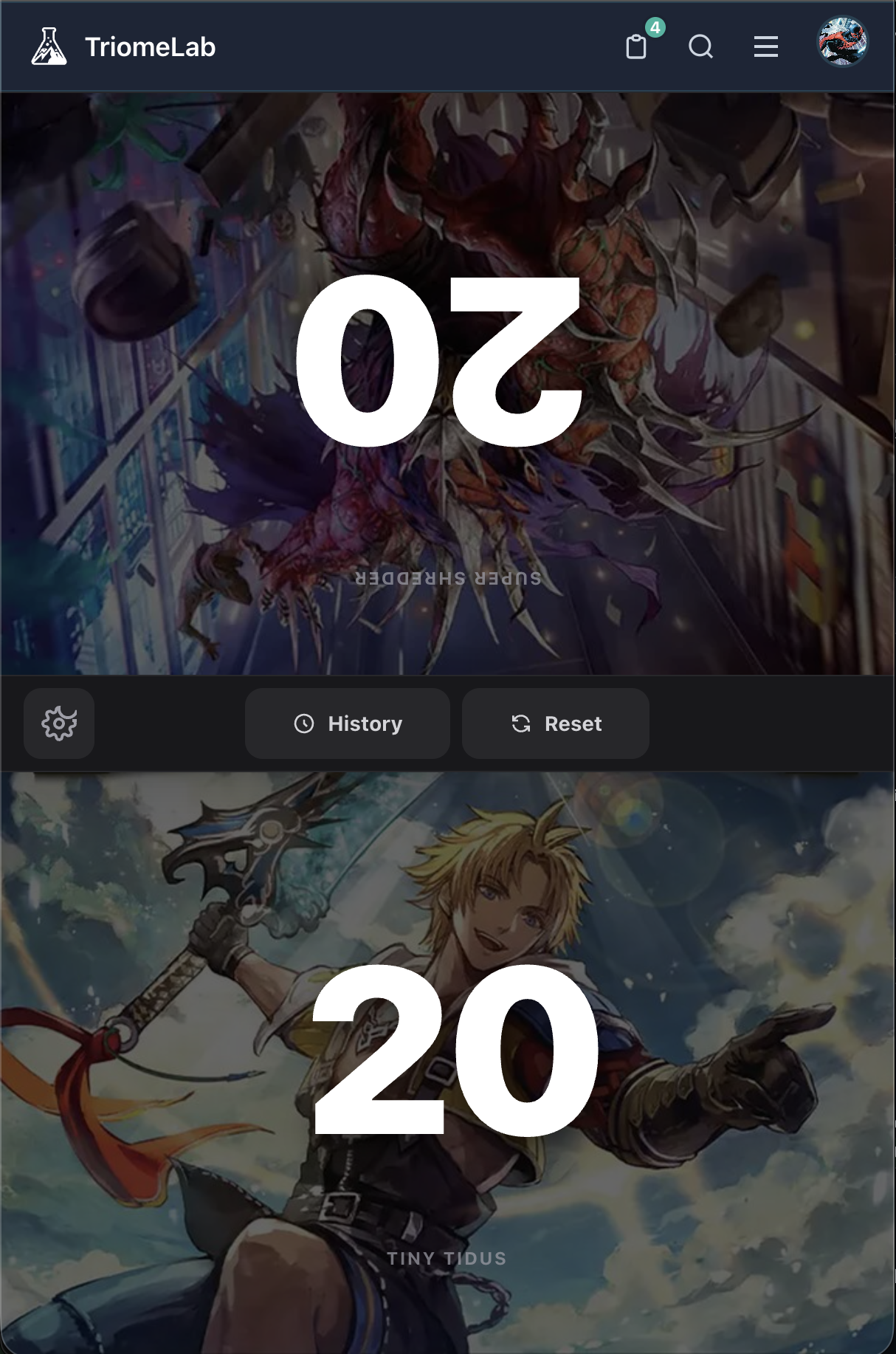
No need to download an app, just head to the Life Tracker (under The Lab menu), and you're good to go.
On mobile, it automatically keeps the screen awake, so you don't need to tap the screen every few seconds to keep it active.
Going into settings lets you choose a deck you've built and use the commander's art as your background. Here, you can set your rival's commander too, and use that as their background.
Tap the left or right side of your life to increase or decrease it. Hold it for a few seconds and it'll automatically do segments of 10.
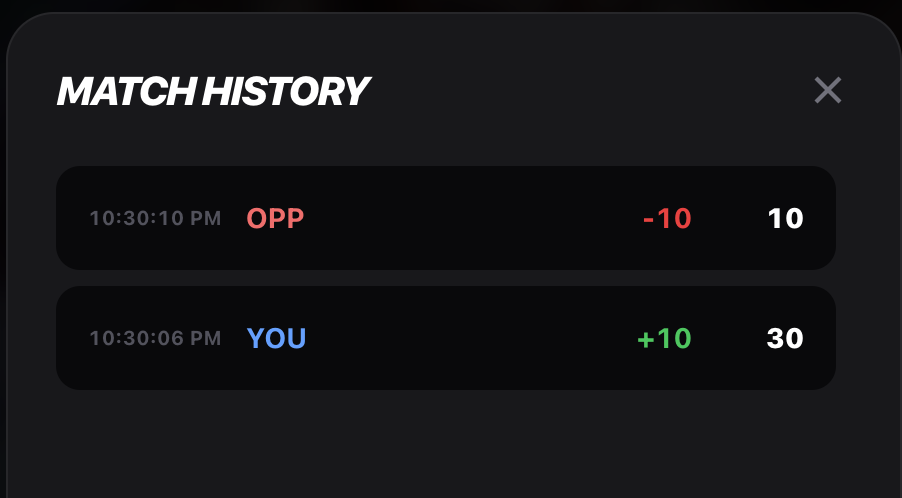 You can even see the Match History in terms of Life Loss/Increase, so it's clear if an action taken that resulted in life loss/gain was applied.
At the end of the match, you'll be prompted if you want to save the Deck Diary match. Here, you can select your MVPs and your Underwhelming cards so you can later remember to make changes, if necessary.
 I hope the feature's useful!